Help Center
Deployment Instructions ZIP Download
- Request the Advanced Tabs SPFx Web Part from https://sharepointtabs.com support.
- Unzip the package that is provided via support.
- The package contains 2 files listed below:
- AdvancedTabs.sppkg (Client Web part)
- AdvancedTabs_SharePoint_User_Guide.pdf (Deployment Guide)
- We assume that the app catalog site is already configured in your Tenant. If not, kindly follow this link to configure the app catalog site.
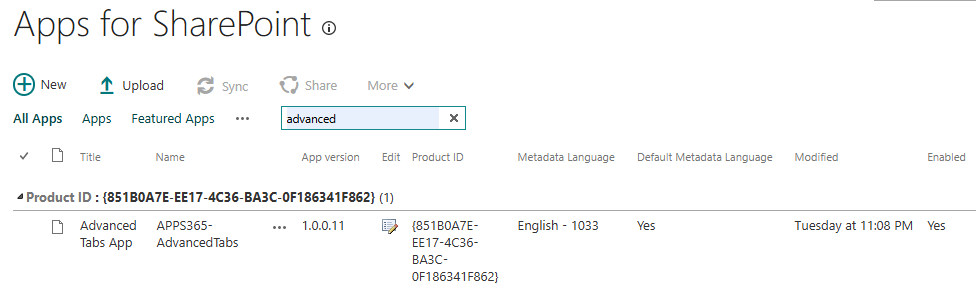
- Navigate to your App Catalog site and select Apps for SharePoint from left navigation.
- Upload AdvancedTabs.sppkg file over there. It will prompt you to trust the application. Click on the ‘Deploy’ button to add it to your site.
- Once you click on the Deploy button, Advanced Tabs Web Part is added into your Tenant and then you can use it on any site. After successfully adding the Advanced Tabs Web Part, please verify the App Package Error Message column; it must have value as No errors.