
Help Center
Overview
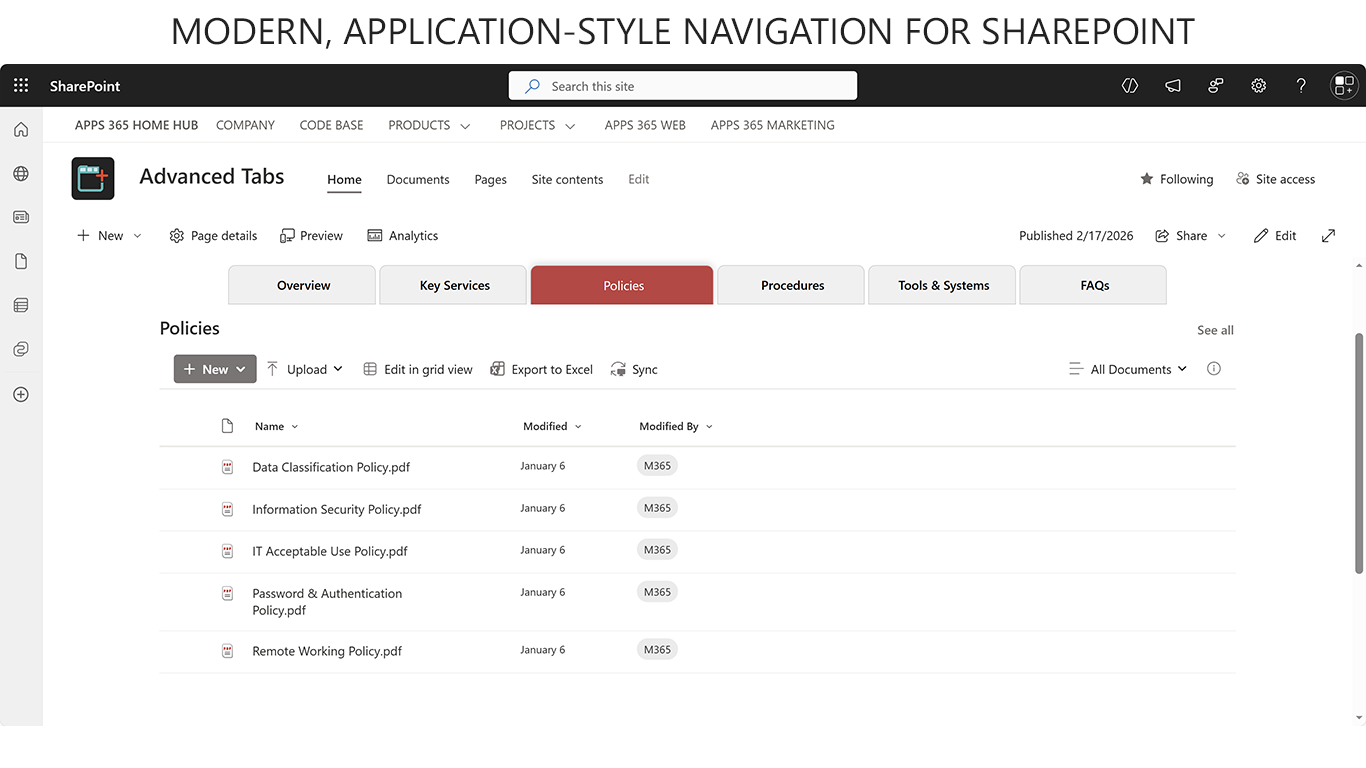
The Advanced Tabs Web Part is a modern SharePoint solution that helps organize content into a clean and interactive tabbed interface.
It brings improved usability and flexibility for managing multiple web parts within a single section of a page.
With Advanced Tabs, you can easily group related content into tabs, reduce page clutter, and enhance user navigation. Tabs can be displayed horizontally or vertically, positioned at the top bottom, right and left, styled with modern designs. To make the experience more dynamic, you can also choose from smooth content transitions like fade, slide, or flip.
Why this matters for AI agents and Copilot
Advanced Tabs is designed not only to improve page usability for users, but also to create a structured and predictable content layout that works well with modern AI tools such as Microsoft Copilot and enterprise AI agents.
By grouping related web parts into clearly defined tabs, the Advanced Tabs app establishes logical content boundaries instead of presenting information as disconnected sections on the page. This structured approach helps AI tools better understand how content is organized, which information belongs together, and how users are expected to navigate the page.
As a result, copilots and AI agents can interpret page context more accurately, generate better summaries, and deliver more relevant insights based on the content displayed within each tab.
Key Features & Benefits
- Flexible Tab Layouts
-
-
- Choose between horizontal or vertical layouts and position tabs at the top bottom, right and left of the content area.
- Benefit: Ensures the tabs adapt to different page designs and user preferences.
-
- Modern Tab Styles & Transitions
-
-
- Multiple styling options with smooth transitions such as fade, slide, or flip.
- Benefit: Delivers a visually engaging and interactive user experience.
-
- Content Organization & Navigation
-
- Group multiple web parts or sections under tabs for better structure and easy access.
- Benefit: Reduces clutter, improves readability, and makes navigation seamless.