Help Center
Usage of Advanced Tabs Web Part
Page Setup Requirement
Before configuring Advanced Tabs, make sure the page layout is structured correctly.
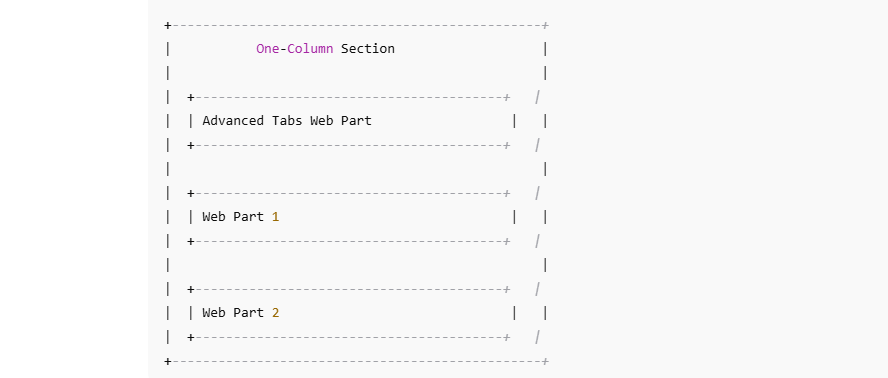
- Add a one-column on your page.
- Inside that column, add a section layout.
- Place the web parts you want to tabify into these columns.
- Add the Advanced Tabs Web Part in the same section to manage and display the content in a tabbed view.
👉 This layout ensures that Advanced Tabs can detect the web parts in the section and map them to tab labels. Check the page layout structure in below image,
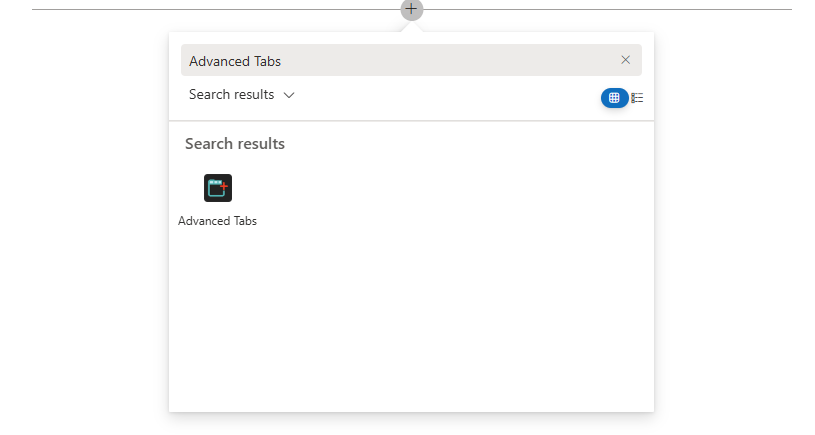
- Navigate to the respective modern page where you would like to add Advanced Tabs webpart and click on + sign.
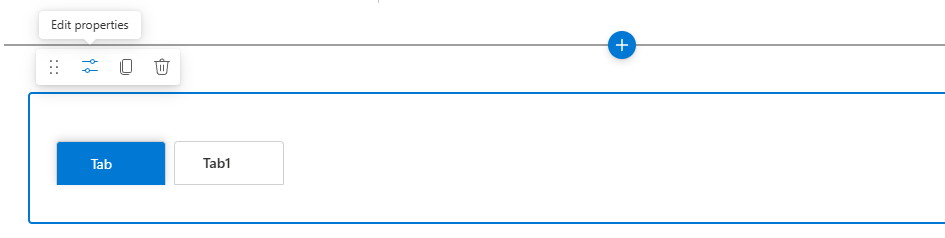
- Click on the Properties icon to edit the web part property.